vim / mappings
Three leader mappings run a tool from the buffer I am in and put its output where I can read it. They save the trip to a shell.
Run a SQL file
<Leader>r in a .sql file runs the file through psql against the
project's database and sends the output to a split.
In init.lua:
-- Helper functions
local function filetype_autocmd(ft, callback)
	vim.api.nvim_create_autocmd("FileType", {
		pattern = ft,
		callback = callback,
	})
end

local function run_file(key, cmd_template, split_cmd)
	local cmd = cmd_template:gsub("%%", vim.fn.expand("%:p"))
	buf_map(0, "n", key, function()
		vim.cmd(split_cmd)
		vim.cmd("terminal " .. cmd)
	end)
end

-- SQL
filetype_autocmd("sql", function()
	run_file("<Leader>r", "psql -d $(cat .db) -f % | less", "split")
end)
The .db file in the project contains only the local database name:
example_devI use a file rather than a setting, because it says something
different in each checkout. Every worktree serves its
own copy of the development database. One step generates both .db and
the .env.local whose DATABASE_URL points at that copy
(see postgres / dev test clusters).
So the same mapping runs a SQL file against whichever checkout Vim is
open in, with nothing to switch.
See man psql for more detail on the -d and -f flags.
Run tests
The vim-test plugin exposes
:TestNearest, :TestFile, and :TestLast, which I bind to
<Leader>s, <Leader>t, and <Leader>l:
map("n", "<Leader>s", ":TestNearest<CR>")
map("n", "<Leader>t", ":TestFile<CR>")
map("n", "<Leader>l", ":TestLast<CR>")
With the cursor inside a test, <Leader>s runs only that one:
go test -run TestWorkOnce ./jobs
ok      app/jobs        0.012s
vim-test detects the framework from the file and runs the command in a shell split.
<Leader>t runs the whole file's package to confirm the rest still
passes:
go test ./jobs
ok      app/jobs        0.108s
<Leader>l re-runs the last command from anywhere, so I can edit the
implementation and re-test without navigating back to the test. The
three cover the red-green-refactor loop.
Search a project
:grep is a built-in Vim command that shells out to the system grep.
I point it at ripgrep and bind
K to search for the word under the cursor:
vim.opt.grepprg = "rg --vimgrep"
map("n", "K", ':grep! "\\b<C-R><C-W>\\b"<CR>:cw<CR>')
Results open in a quickfix window. This is K with the cursor over
processMD:
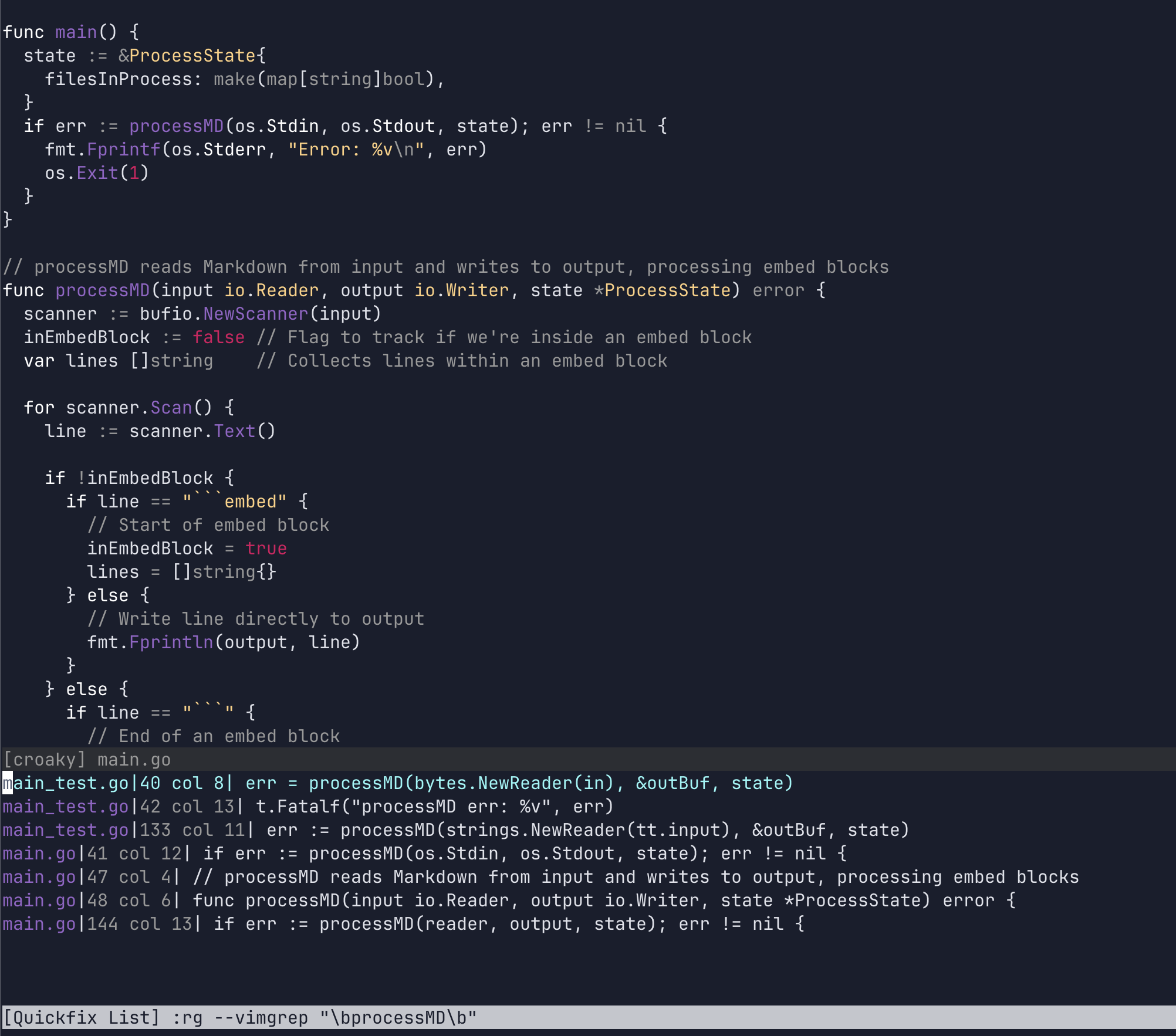
I move to a result and press Enter, and Vim opens the file.
\ maps to a second command, Rg, which searches for whatever I type
and opens the same quickfix window:
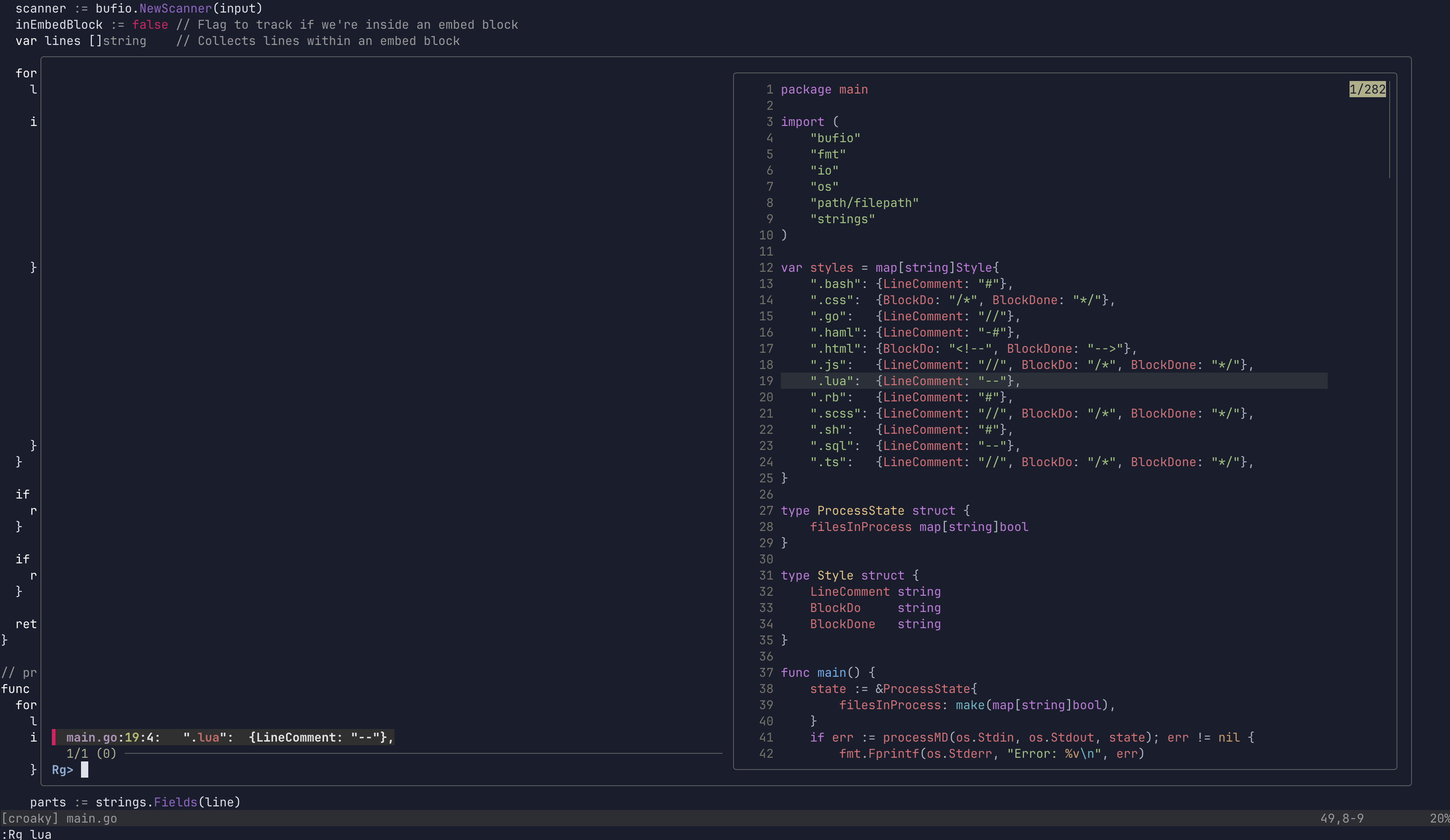
vim.api.nvim_set_keymap("n", "\\", ":Rg<SPACE>", { noremap = true })This is :Rg lua: